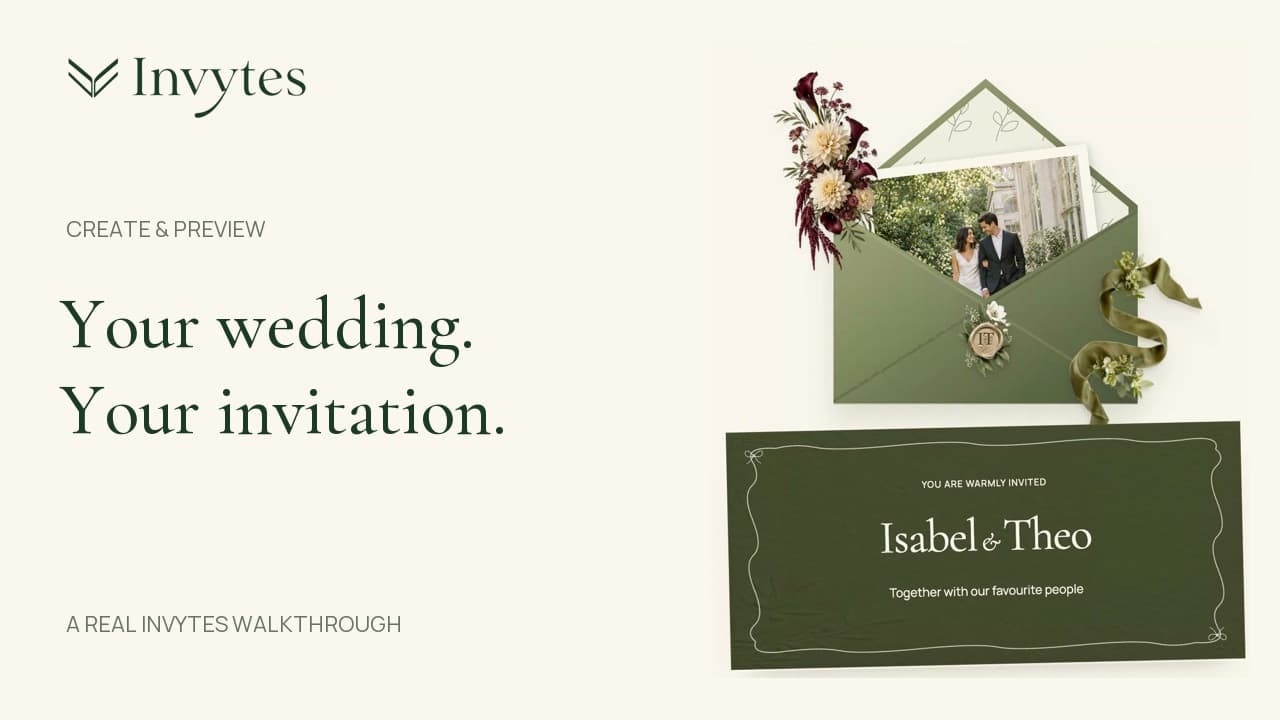
Create and preview a wedding invitation in Invytes
Follow a real Studio walkthrough: choose your presentation, add your names, create a private draft, save your welcome and check the phone preview before publishing.
A little guidance
Short, practical walkthroughs for creating a wedding invitation and checking the experience your guests will see.
Follow a real Studio walkthrough: choose your presentation, add your names, create a private draft, save your welcome and check the phone preview before publishing.
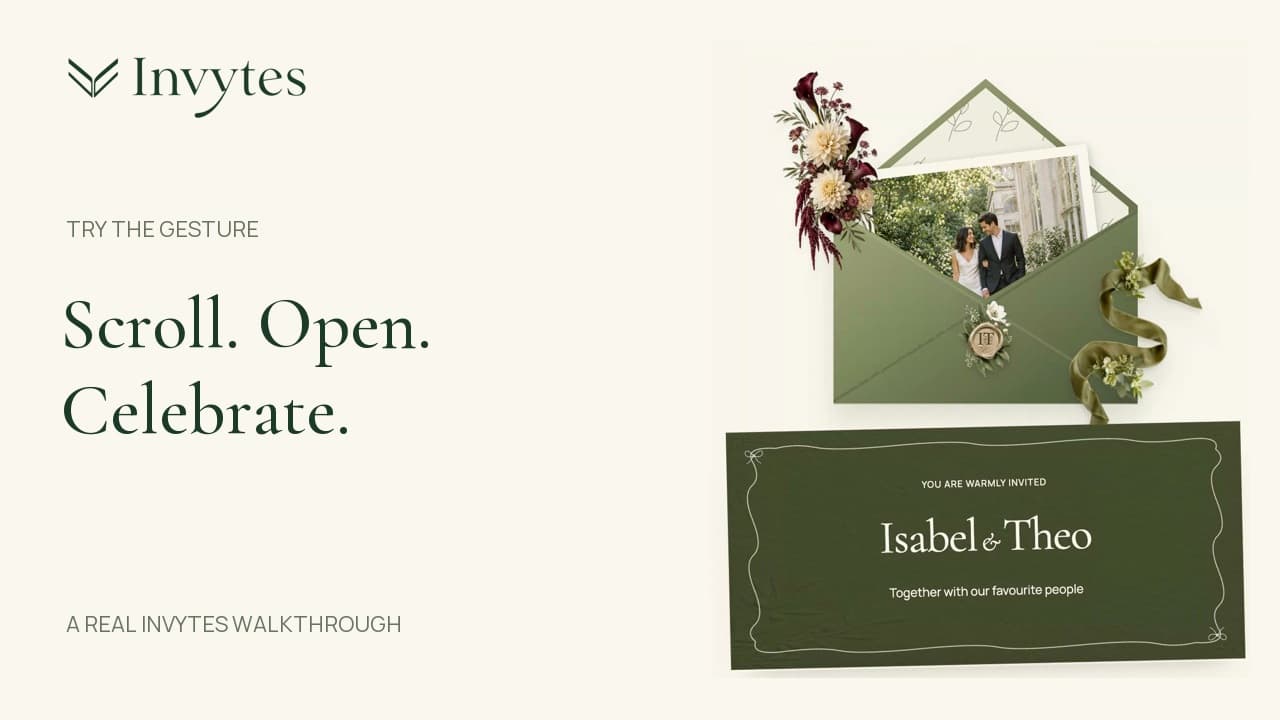
See how a downward scroll or upward swipe opens the envelope, carries the card into the landing and lets guests continue reading the invitation.
Start editing without an account. Sign in to save your draft, then publish when you’re ready.